
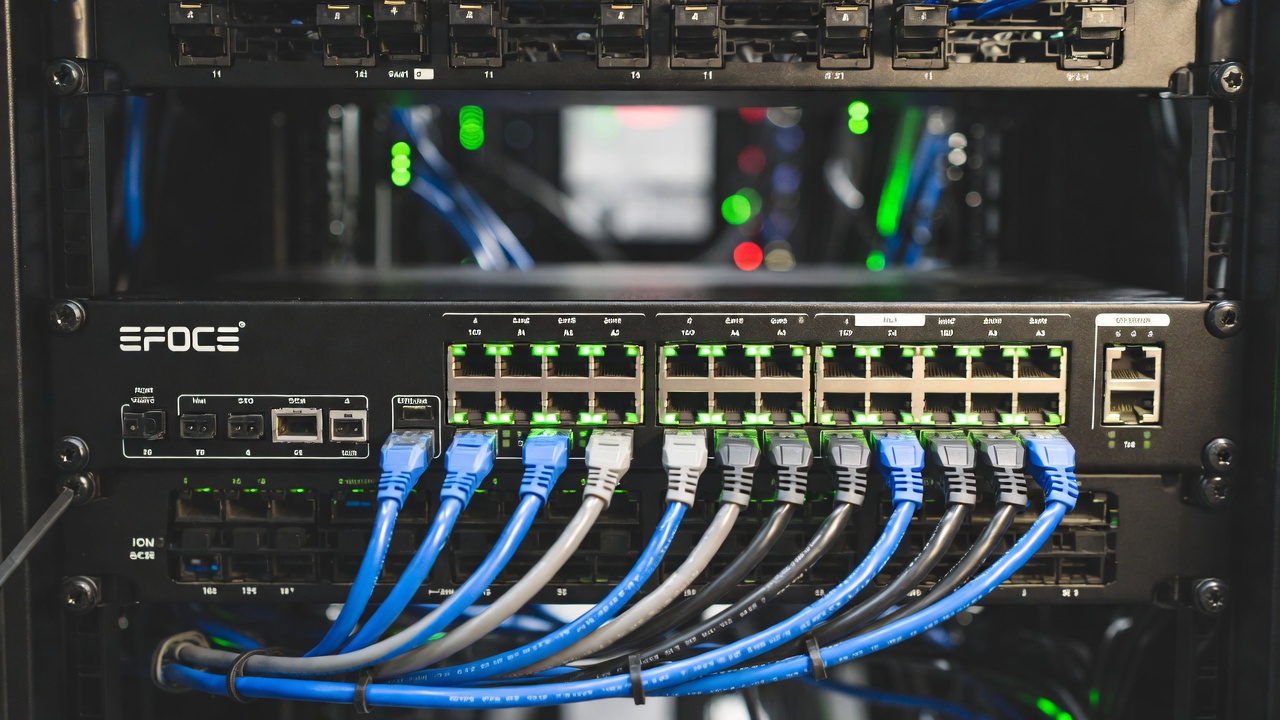
Setting up a professional network often involves a frustrating logistical puzzle: deploying access points (APs) or security cameras in optimal locations, only to realize there is no electrical outlet nearby. Hiring an electrician to run high-voltage power lines to ceilings or exterior walls is expensive and time-consuming.
This is exactly where Power over Ethernet (PoE) changes the game.
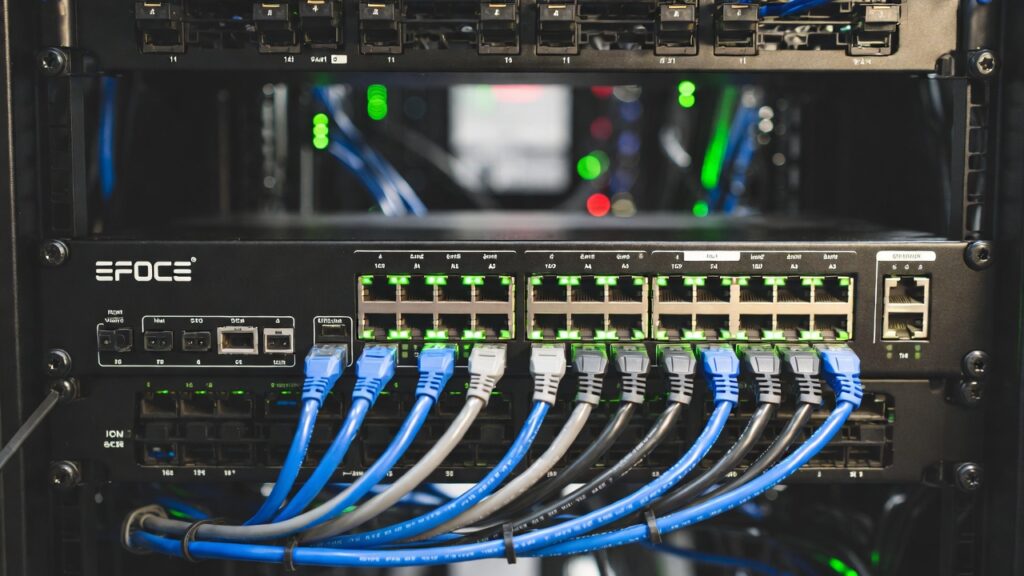
What Exactly is PoE?
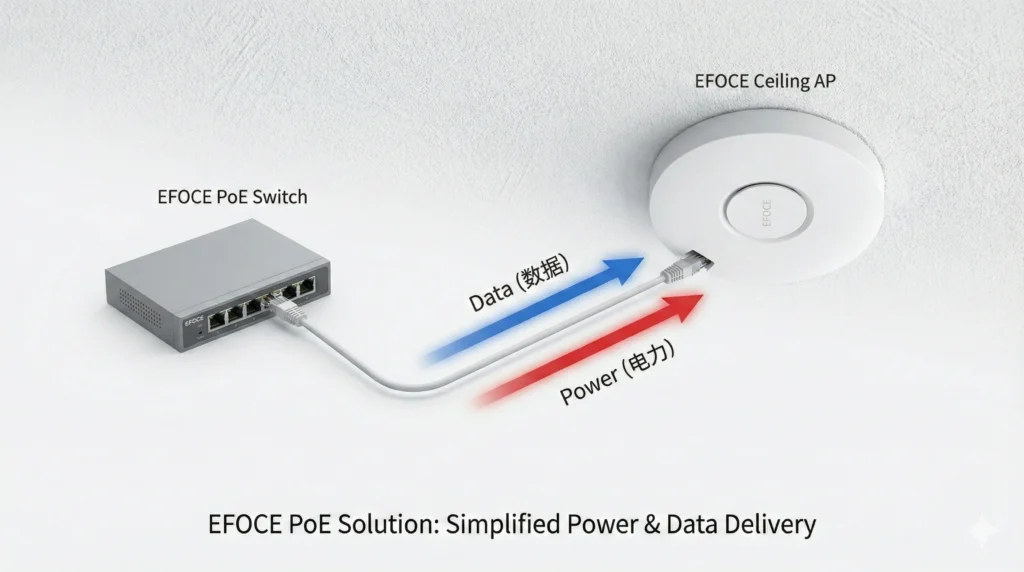
Power over Ethernet is a standard that allows a single Cat5e, Cat6, or Cat7 network cable to transmit both a high-speed data connection and electrical power simultaneously.
Instead of plugging your ceiling-mounted Wi-Fi access point into a wall outlet and then running a separate network cable to the router, you simply run one Ethernet cable from a PoE-enabled switch directly to the device. It powers on instantly.
Understanding the PoE Standards
Not all devices require the same amount of power. When selecting an EFOCE switch, it is crucial to match the PoE standard to your hardware:
- PoE (802.3af): Delivers up to 15.4W. Perfect for standard VoIP phones and basic IP cameras.
- PoE+ (802.3at): Delivers up to 30W. The ideal choice for modern dual-band Wi-Fi 6 access points and PTZ (Pan-Tilt-Zoom) security cameras.
- PoE++ (802.3bt): Delivers up to 60W or even 90W. Reserved for high-performance hardware like Wi-Fi 7 enterprise access points or building lighting systems.
The EFOCE Advantage
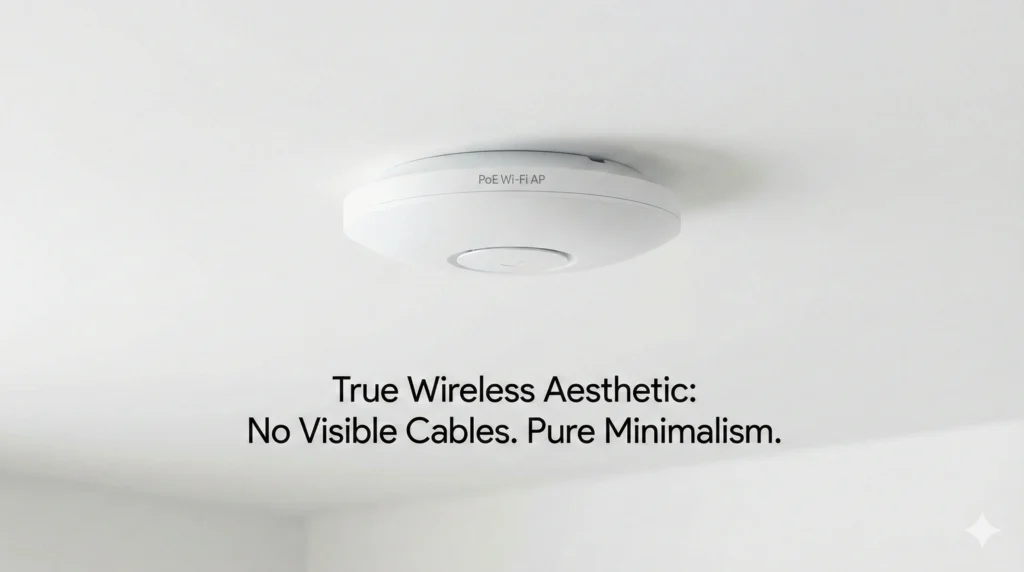
Our latest generation of EFOCE Managed PoE Switches features Auto-Sensing Technology. The switch intelligently detects exactly how much power a connected device needs and delivers it safely, preventing power surges or damage to non-PoE devices. It simplifies installation, reduces cabling costs by 50%, and ensures a remarkably clean aesthetic for your smart building deployment.