Even the most powerful enterprise-grade router can underperform if it is placed in the wrong location. Wi-Fi signals are essentially radio waves; they are bound by the laws of physics. They bounce off certain materials, get absorbed by others, and lose strength over distance.
To get the absolute best performance out of your EFOCE Mesh System, you need to think like a network engineer. Here is our definitive guide to optimizing your node placement.
1. Elevate and Isolate
Wi-Fi antennas are designed to broadcast signals outward and slightly downward, like an umbrella.
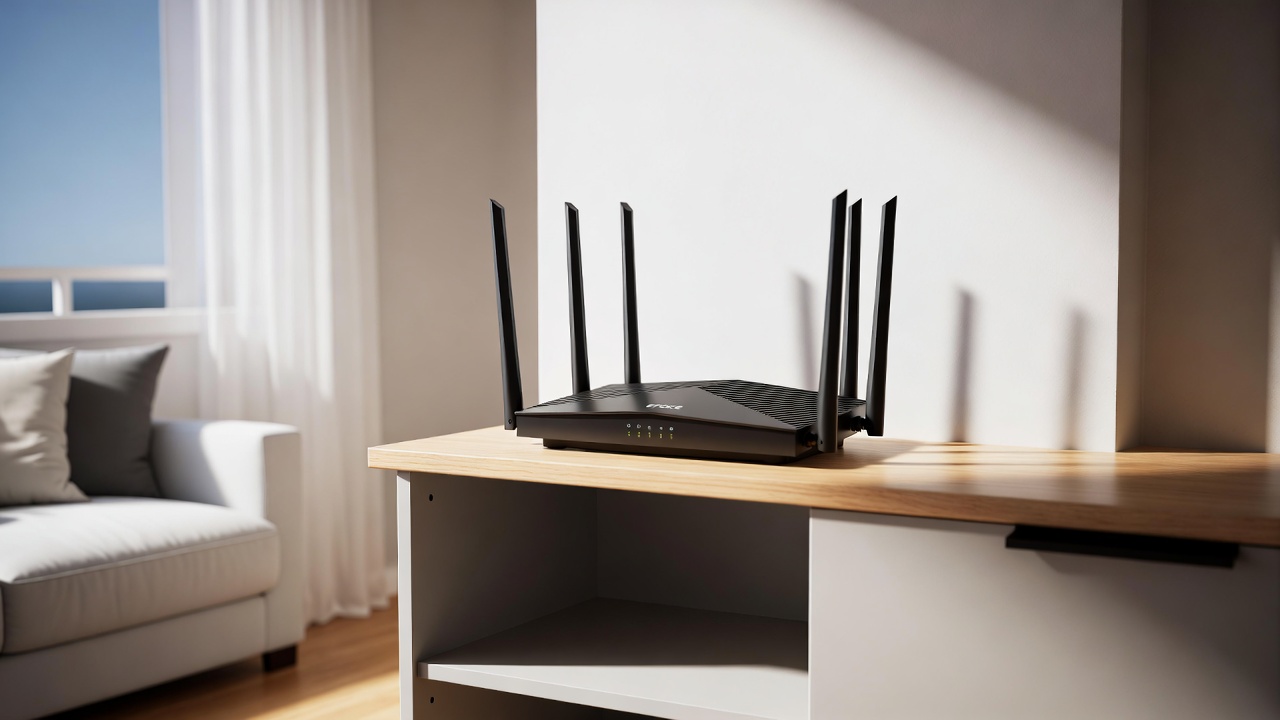
- The Mistake: Placing the router on the floor or hiding it behind a TV or inside a media cabinet.
- The Solution: Place your EFOCE node as high as possible—on a bookshelf or mounted on a wall. Ensure it has a direct line of sight to the areas where you use your devices the most. Do not surround it with thick books or metal objects.
2. Beware of the Signal Assassins
Not all walls are created equal. Drywall allows Wi-Fi signals to pass through relatively easily, but other materials act as impenetrable shields.
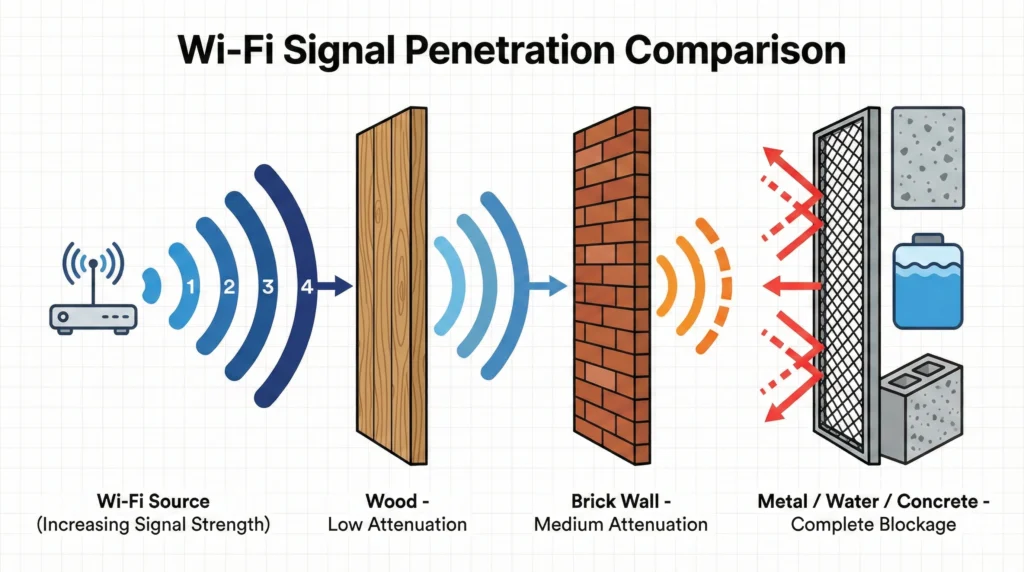
Avoid placing your router near:
- Mirrors and Metal: These reflect the signal, causing interference.
- Fish Tanks and Water Heaters: Water severely absorbs the 2.4GHz and 5GHz radio frequencies.
- Concrete and Brick: Thick masonry will stop a 6GHz Wi-Fi 7 signal dead in its tracks.
3. The Overlapping Mesh Strategy
If you are using a multi-node EFOCE mesh system, spacing is critical. You want the coverage area of your primary router to overlap with your satellite nodes by about 20% to 30%. If they are too far apart, the devices won’t be able to communicate effectively (weak backhaul). If they are too close, your devices might get confused about which node to connect to, causing latency.
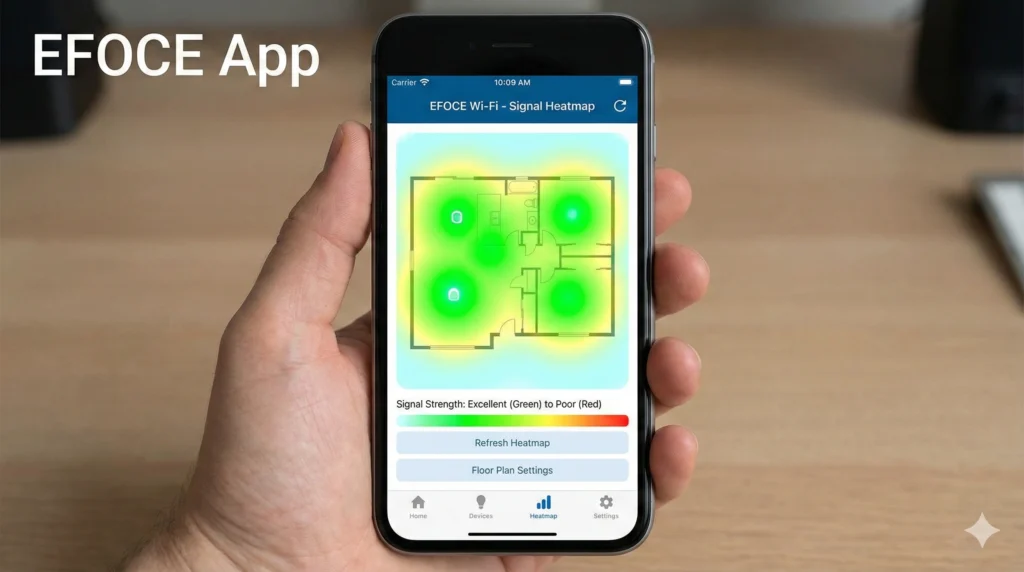
Pro Tip: Use the Placement Assistant feature in the EFOCE Network App. It uses real-time signal diagnostics to tell you exactly if a node needs to be moved closer or further away.